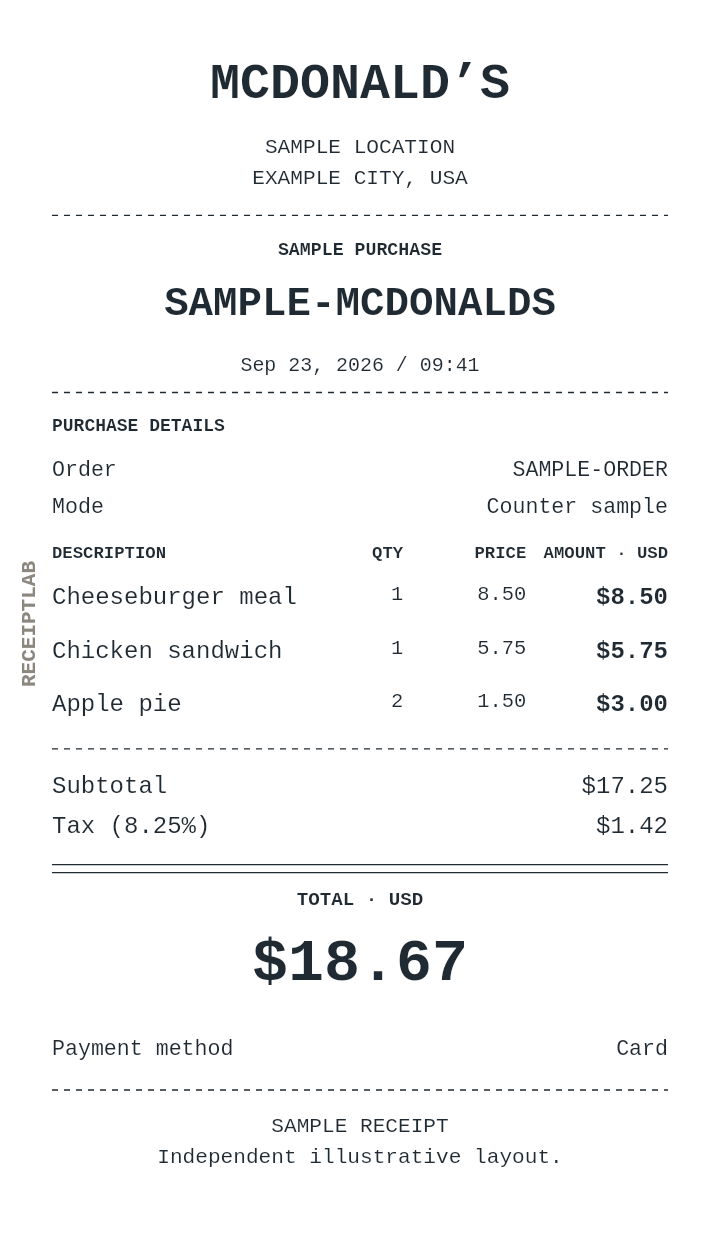
 Illustrative sample · fully editable
Dining · PNG & PDF
Subway Receipt Generator
Create an independent Subway-style receipt sample. Customize the illustrative details, preview your changes and download a watermarked PDF or PNG.
Customize Subway receipt →No signup. Free exports include a watermark.
Independent sample templates. ReceiptLab is not affiliated with or endorsed by these retailers. Purchases and store details are illustrative.
Paper options58 mm · 80 mm · A4
MAKE IT YOURS
What you can edit in this Subway receipt
- Order and Mode fields you can edit
- Meal quantities and separately priced sides
- A matching sample with calculated totals and editable items
- Your logo, date and receipt reference
- Paper width, typography and receipt sections
- PNG and PDF from the same preview
A REAL STARTING POINT
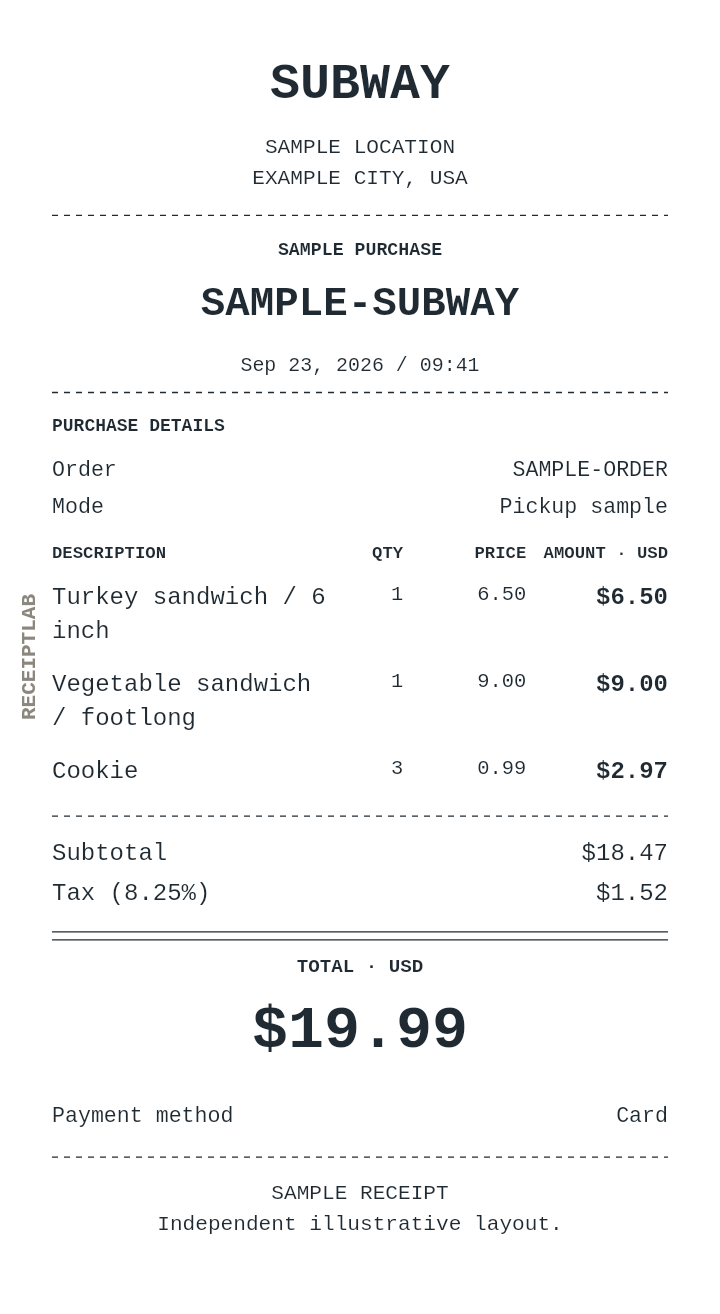
Subway receipt example
Review the fictional sample, then edit the details for your own document.
| Item | Quantity | Unit price | Amount |
|---|---|---|---|
| Turkey sandwich / 6 inch | 1 | 6.50 | $6.50 |
| Vegetable sandwich / footlong | 1 | 9.00 | $9.00 |
| Cookie | 3 | 0.99 | $2.97 |
| Subtotal | $18.47 | ||
| Illustrative tax (8.25%) | $1.52 | ||
| Total | $19.99 | ||
Illustrative 2026-09-23 transaction. Tax is a sample rate. Downloads include a watermark.
FROM TEMPLATE TO DOWNLOAD
How to make a Subway receipt
Open the matching template
Select Customize Subway receipt above. In Business & logo, update the heading, address and logo. Set the date and reference in Receipt details.
Prepare your Subway receipt
Include sandwich length and filling in each description. Ingredients with a separate price can be entered as additional item rows.
Check and download
Review every line and the payment total. Select Download, choose your paper size and PNG or PDF, then download the watermarked file. Save an editable draft if you want to return later.
UNDERSTAND THE FORMAT
Reading this receipt
The Order, Mode fields provide context for this example. These text fields are entered separately from the quantities and prices that calculate the amount.
Quantity and unit price appear in separate columns, so each charge can be checked before reviewing the total.
A useful starting tip
Include sandwich length and filling in each description. Ingredients with a separate price can be entered as additional item rows.
GOOD TO KNOW
Subway receipt questions
Is this an official Subway receipt?
No. This is an independently created, editable layout sample. It is not issued or verified by Subway, and ReceiptLab is not affiliated with the company.
Which file formats can I download?
Download a PNG image or a PDF with selectable text. Both use the same receipt data and include a watermark on the free plan.
Can I change the paper size?
Choose 58 mm, 80 mm or A4 in Appearance. Preview long descriptions at the size you intend to use, and match your printer settings when printing.
Can I save this receipt and edit it later?
Use Save draft to download an editable file to your device. Open draft restores that file. ReceiptLab does not automatically save your work.
Explore all dining receipt templates →
Related receipt templates
Browse the collection →
Your Subway receipt starts here.
Customize Subway receipt →No signup. Edit on your device.